
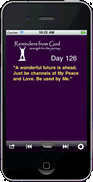
(App is no longer available from the Play Store. Make a bookmark on Home screen instead to show today's reminder). Perform the following steps.
- Open Chrome browser
- Navigate to https://remindersfromgod.net/today.html
- Tap the three vertical dots (menu) in the top right corner
- Select "Install or create shortcut" from the options that appear
- Select "Create shortcut"
- Click "Add"
An Reminders From God icon will appear that you can activate to show today's reminder